Everything you own, organized. Snap a room, get the list.
Room Scanner App: Snap a Room, Get the List
Take a photo of a room and Barreleyes lists the furniture and other large items it sees, each with its photo and size in cubic feet. Then decide what to keep, store, donate, sell or dispose.

How It Works
Snap the Room
Take a photo with your phone, or add photos or a video on a computer.
Check the List
Each item is named and sized, with its own photo. Fix a name or add anything the scan missed.
Decide Where It Goes
Mark each item Keep, Storage, Donate, Sell or Dispose, then scan the next room.
Questions
What does the room scanner find?
The furniture and other large items it can see in your photo: sofas, beds, tables, dressers, lamps, rugs and the like. Add smaller things, and anything out of sight, by name.
How accurate is it?
It finds most large items but can miss one or get a size wrong. Each size is an estimate in cubic feet, so check your list and fix anything before you share it.
Do I need an account to try it?
No. Scan a room as a guest and see your items named and sized. A free account keeps your list, so you can open it on any device.
Is there a version for my business?
Yes. Movers, organizers and junk removal companies send each customer a link to scan their own rooms. See Barreleyes for Professionals.
Related Guides
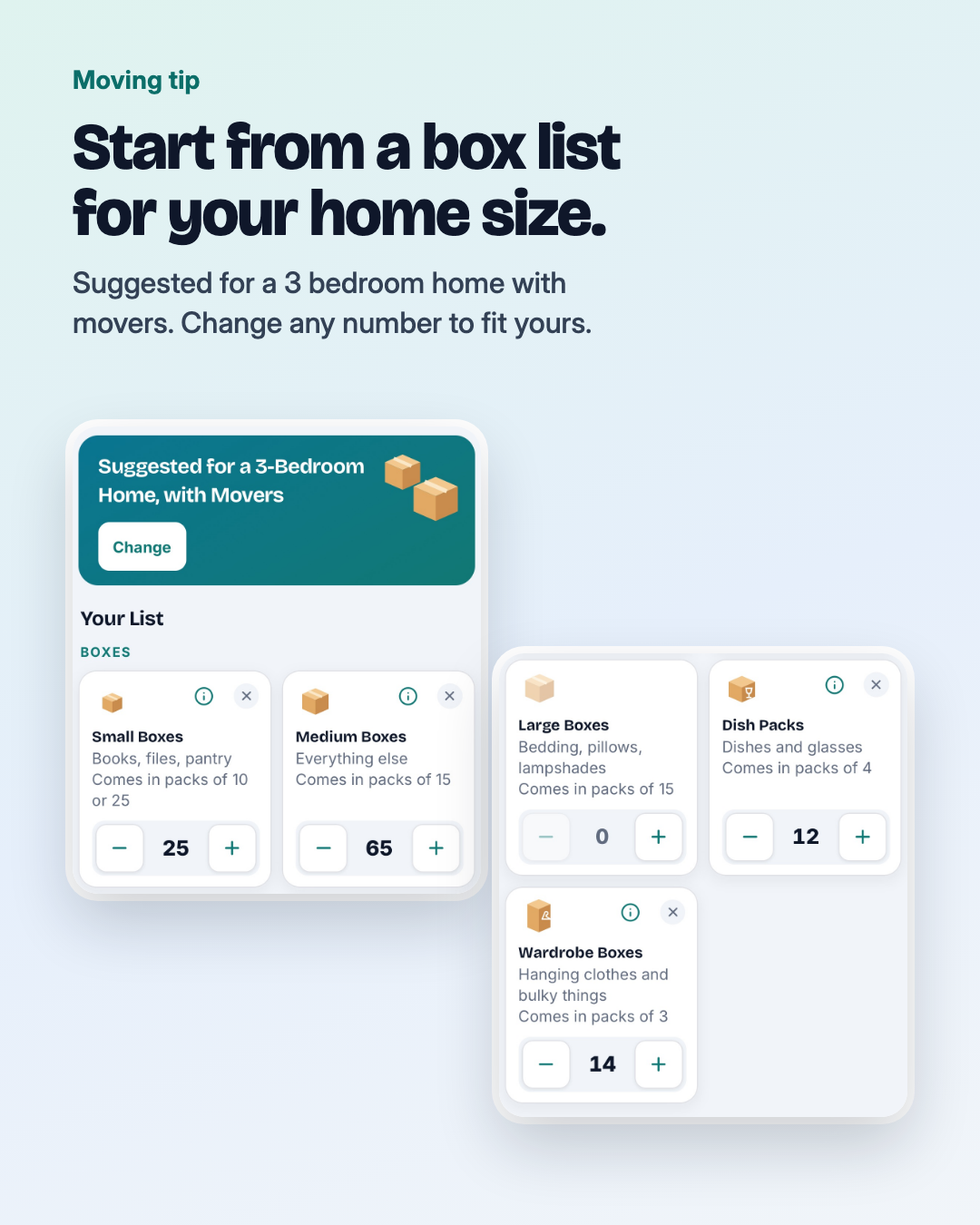
How Many Moving Boxes Do You Need?
Typical box counts from movers for a studio to a 3 bedroom home, how to adjust them for your own things, and which box sizes to use.
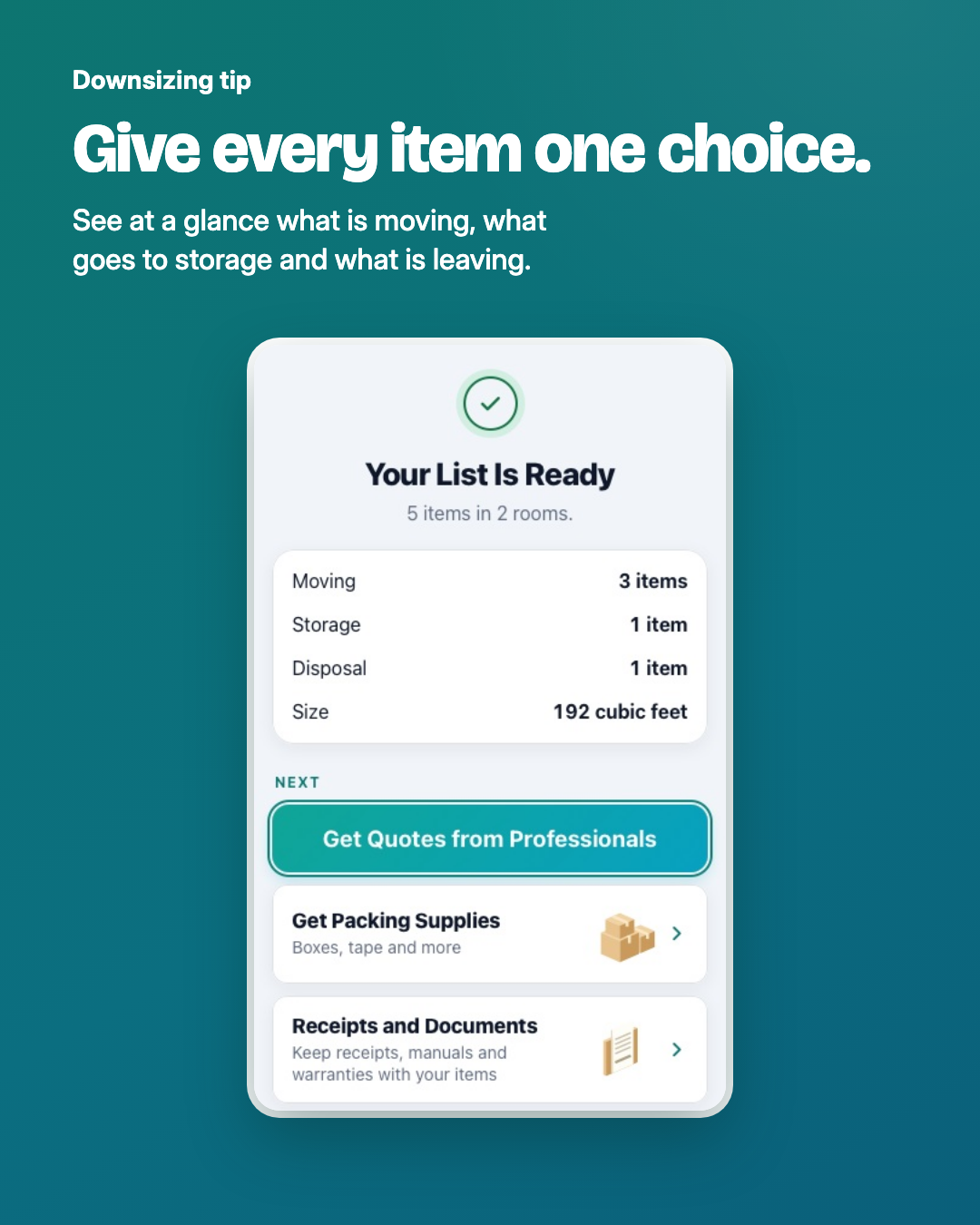
Downsizing: How to Decide What to Keep, Store, Donate or Sell
Start from the new space, sort one room at a time into keep, store, donate, sell, dispose and still deciding, and leave keepsakes for last.
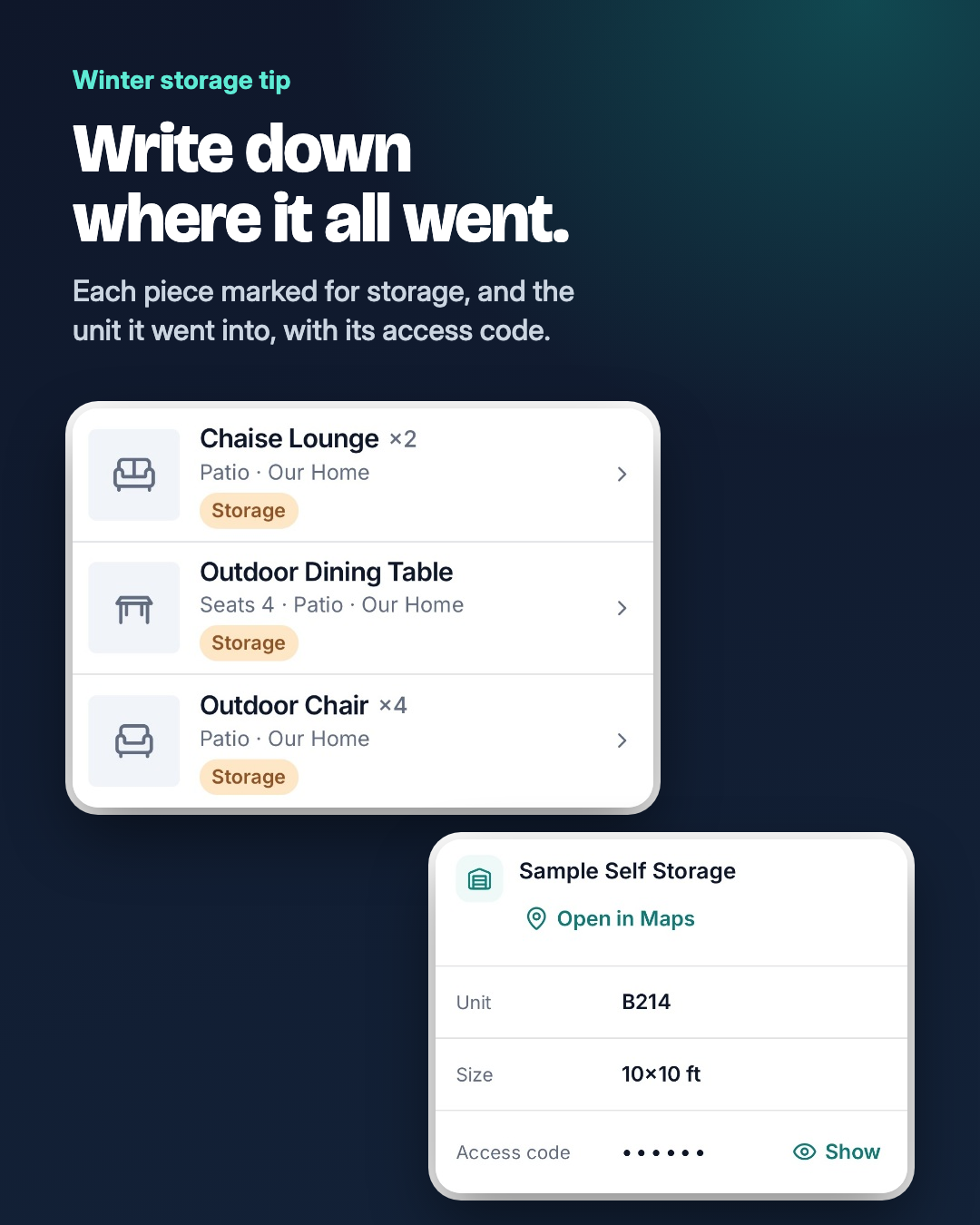
How to Store Patio Furniture for Winter
Clean and dry every piece, bring cushions and the umbrella inside, cover what stays out, and note where everything went so spring is quick.
Try It on One Room
Snap the room you use most and see what it finds.
Start FreeOr get the app on your phone