Everything you own, organized. Snap a room, get the list.
Home Inventory App: Every Item, Receipt and Warranty
Photograph each room and Barreleyes lists the furniture and other large items it sees. Keep each item's receipt, warranty and manual with it, and decide what to keep, store, donate, sell or dispose.

How It Works
Snap Each Room
Take a photo of each room. Each item it finds is named and sized, with its own photo.
Add What It Missed
Add anything else by name: the jewelry box, the bike in the garage, the boxes in the attic.
Keep the Paperwork on the Item
Add the receipt, warranty and manual, what you paid and when, and the serial or model number.
Questions
What should a home inventory include?
Each item's name, the room it is in and a photo, plus what you know about it: the price, the date you bought it, the serial or model number, the receipt and the warranty. Barreleyes keeps all of it on the item.
Can I use my home inventory for an insurance claim?
You can export it as a spreadsheet or a printable file to send to your insurer. Ask your insurer what they need for a claim.
Can my family work on the same list?
Yes. Invite family or a friend to the project. An Editor can add, change and move items; a Viewer can look and export.
Can a professional organizer work on it with me?
Yes. Organizers send each customer a link to scan their home, and the list comes straight to them. See Barreleyes for Organizers.
Related Guides
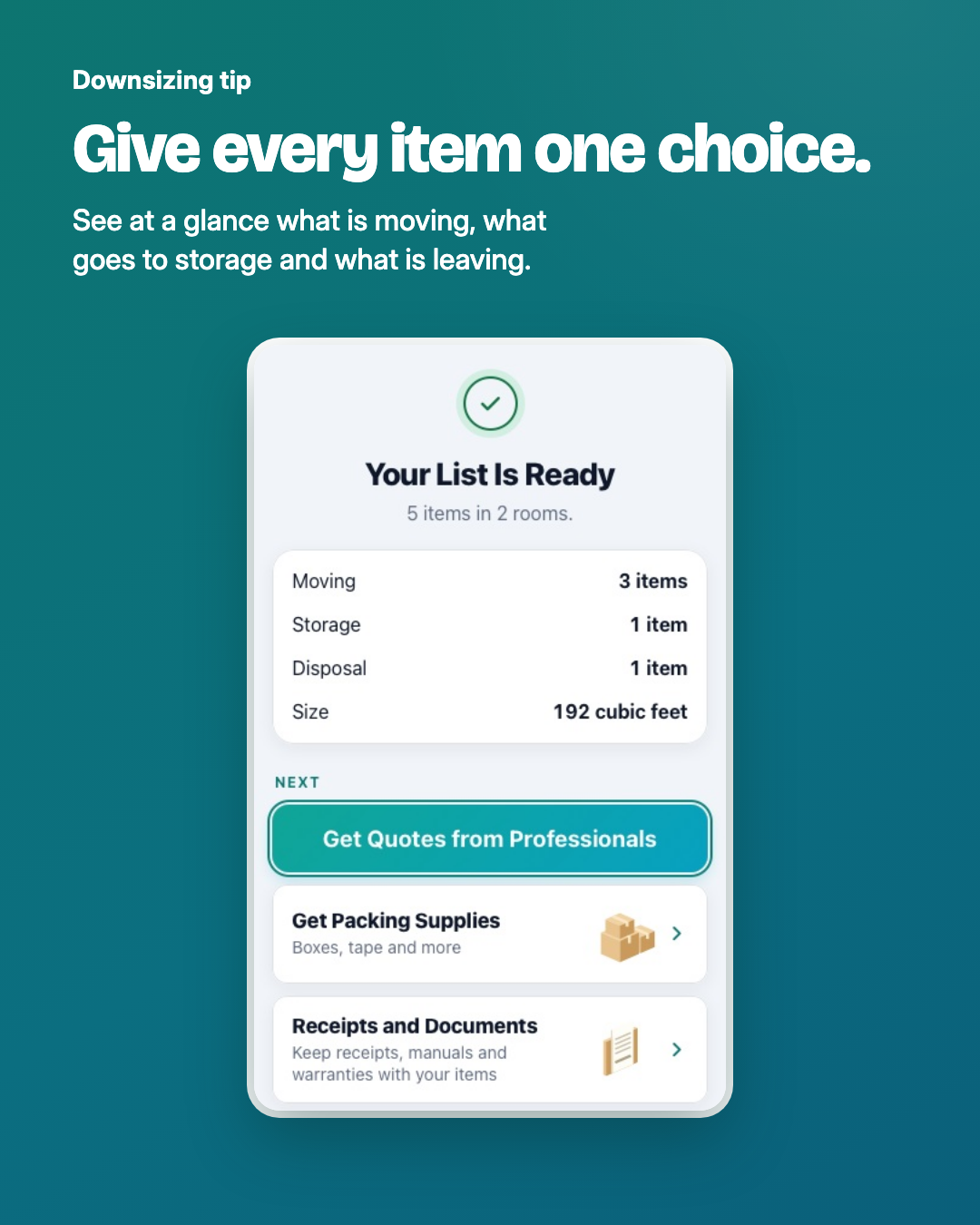
Downsizing: How to Decide What to Keep, Store, Donate or Sell
Start from the new space, sort one room at a time into keep, store, donate, sell, dispose and still deciding, and leave keepsakes for last.
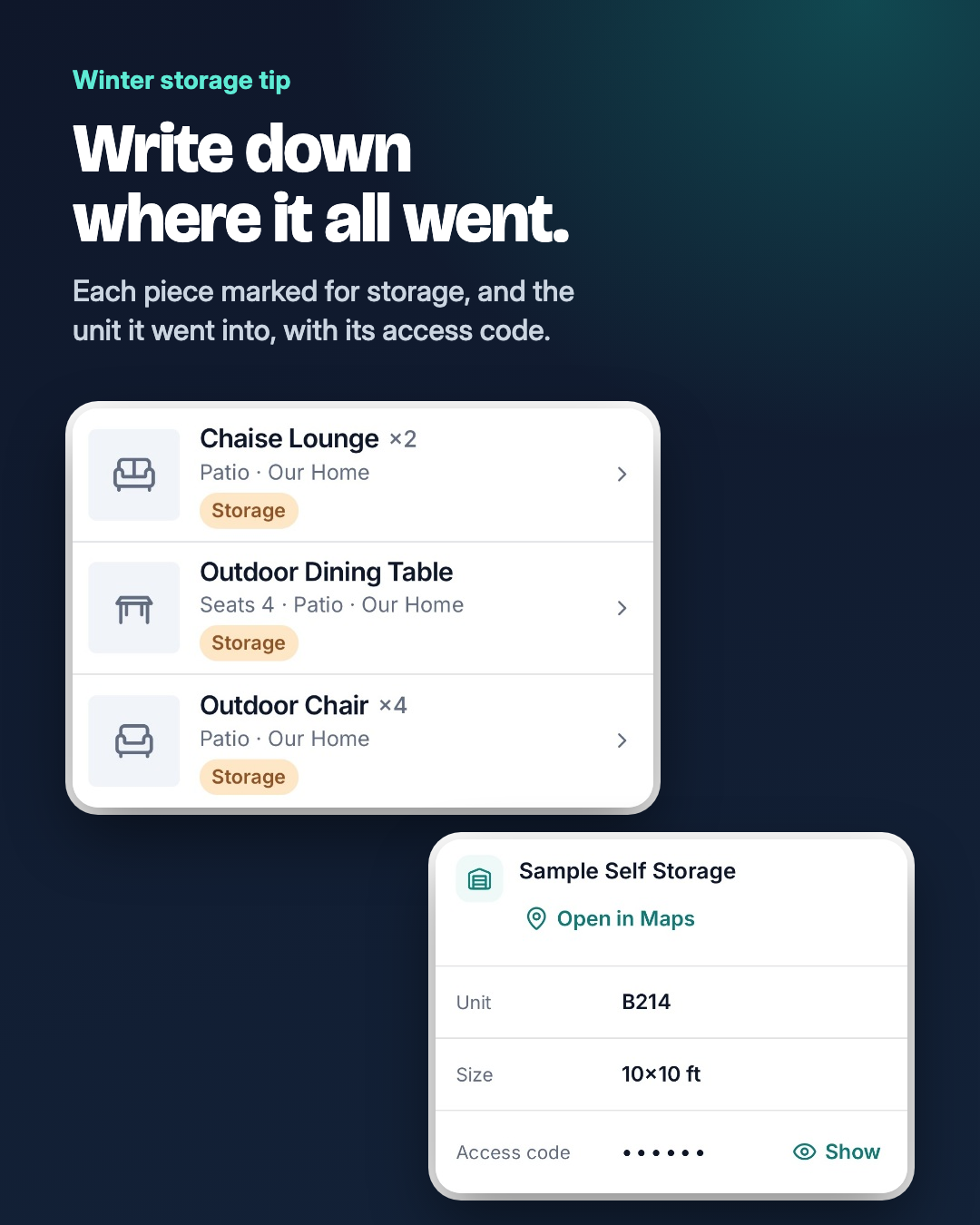
How to Store Patio Furniture for Winter
Clean and dry every piece, bring cushions and the umbrella inside, cover what stays out, and note where everything went so spring is quick.
Start With One Room
Snap the room you use most, then add the rest when you have a minute.
Start FreeOr get the app on your phone